
LEARNING NOTES
A meditation journal can start with one ordinary sentence
Simple reflection prompts and clear local data controls in Prana Saathi.
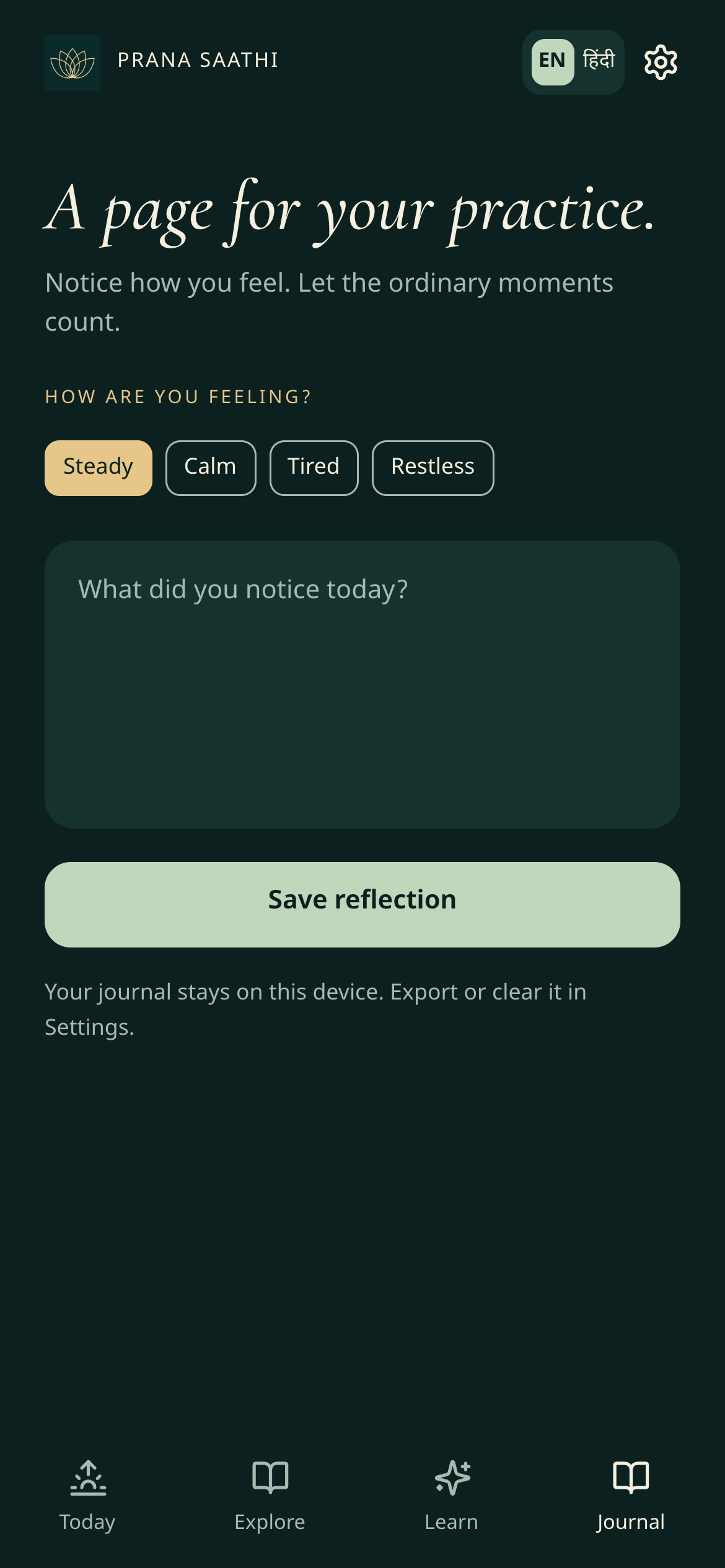
Write something you can recognise
A reflection does not need to sound profound. You might note that a chair felt comfortable, that your attention wandered, or that you chose silence today. One ordinary sentence can be easier to return to than a long report of what you think a session should have produced. In Prana Saathi, Journal is a place to record your own words. It is not an assessment of how well you meditated, and no AI reads the entry in this account-free edition.
Use a prompt without turning it into a score
The beginner journey offers questions such as what made your seat comfortable or what small kind action feels possible. A prompt gives you a starting point; it does not require a particular answer. The journal also offers a simple mood choice. That selection is a label you chose, not a diagnosis or a measurement of wellbeing. You can leave an entry short, write later or decide not to save anything.
Separate history from interpretation
The progress screen records completed session minutes and a daily goal. A journal entry can describe what you noticed during that time, but neither screen can establish a medical or spiritual result. For example, completing a chakra reflection records a session, not activation of a chakra. Keeping the distinction clear can make the journal useful as a personal record without turning each session into a performance review.
Understand where the words go
In this edition, journal text, chosen moods, bookmarks and practice history stay in the app's storage on your device. They are not uploaded to a cloud account or sent to an inference provider. The app does not separately encrypt that preference storage, and operating-system backup settings may include it. Avoid assuming that the word private means a particular encryption guarantee. Your device settings remain part of how you protect a personal record.
Keep control of the record
Settings offers a JSON export you can view and explicitly copy. The app does not automatically send that export elsewhere. Keep the copied record somewhere appropriate for you. Clear practice data removes the current local reflections, history and saved practices while preserving language and daily goal. The confirmation explains the action before it happens. You can also remove an individual journal entry. A journal is useful when both the writing and the data controls feel understandable.