
LEARNING NOTES
Meditation in Hindi: written guidance, voice and offline choices
Understand what the app bundles and what depends on your phone's installed speech voices.
Start with words you understand
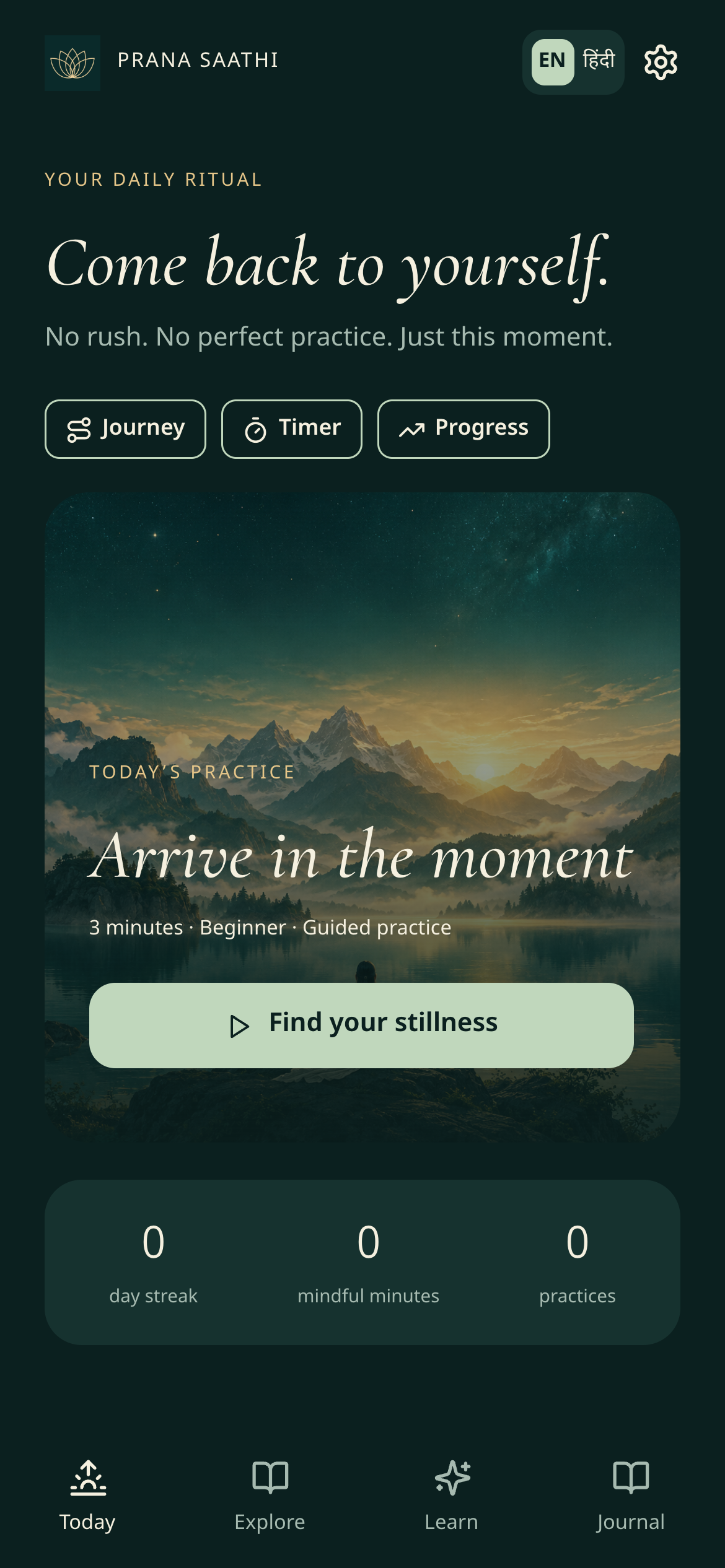
Changing a practice language should change the instruction itself, not just the menu. Prana Saathi includes Hindi and English lesson titles, descriptions, cues, learning steps and reference answers. Choose the language in the header or Settings. Read the first instruction and decide whether it is clear to you before starting the timer. You can use the same session again after switching languages; there is no separate account or separate language app to manage.
Separate text from narration
Written guidance is bundled with the app. Narration is optional and uses a speech engine on your device. A Hindi menu does not guarantee that a Hindi voice is already installed. If the voice option is unavailable, the player explains that you can follow the written guidance. Depending on your phone, an installed engine may offer additional language downloads in its speech settings. Voice pronunciation and online processing are determined by that engine, rather than by a recording in this app.
Know the offline boundary
The beginner scripts and original ambient sound are included in the build. The journey, timer, reference answers and local reflections do not require signing in. The app may refresh its public lesson catalog from Supabase when connected, and uses bundled lessons when that request cannot complete. Offline narration depends on the installed voice and its settings. It is therefore more accurate to say that the written practice is available offline than to promise that every phone will speak offline.
Use language as a practical choice
You might prefer Hindi for a reflection and English for a familiar lesson name. Either is fine. The seven-chakra introductions include traditional names as well as simple labels, so language can be a way to clarify the lesson rather than a hurdle to overcome. Learn contains common questions with related-practice links. These are readable reference answers, not a live AI conversation or a claim to replace a teacher.
Try your own setup before relying on it
Before a session away from a network, open the practice, read its cues and check the sound choice. If narration matters to you, test the selected device voice in the language you plan to use. Keep the app in the foreground because this edition pauses in the background. A little setup makes the limits understandable and leaves you free to choose written guidance, voice or silence.